

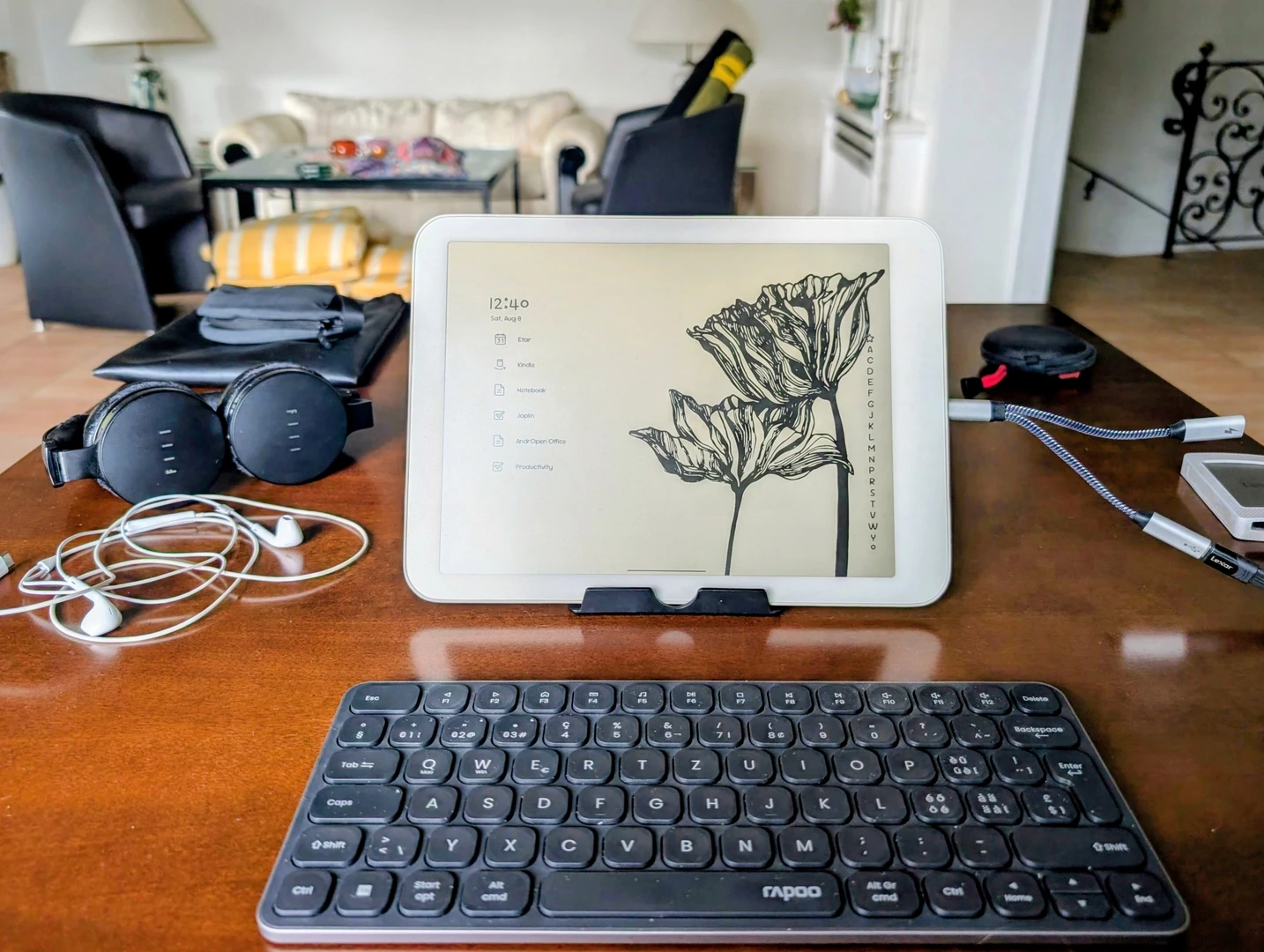
Since a long time, I was looking to fully replace the convenient Google/Apple/Microsoft productivity setups most people still use with one that is open source and privacy-focused, without running my own server. The goal: Contacts, calendar, notes, tasks management and office suite easily synced between phone, tablet, desktop running Android, Windows or Linux. There was always something that didn't quite work or which was less convenient than what Google/Apple/Microsoft offer. But now I got it to work. Reliably.
EteSync for contacts and calendar. It costs a minor fee per month, but it's absolutely worth it. It encrypts all events before syncing them over the cloud. EteSync can be used with most calendar and contacts apps. I use “Etar“ calendar on Android and “Thunderbird” calendar on desktop. For contacts I recommend “Fossify Contacts” on Android, and again Thunderbird on desktop. Works flawlessly.
Joplin for notes (replacing Keep, Evernote etc.). It encrypts the notes on device and syncs them with a cloud service of your choiice. Convenient old-school notes management.
Super Productivity for tasks, project and habit management with Pomodoro timer. An astonishingly powerful tool that also encrypts events on device before syncing.
And the most complicated one ... the office suite.
I use Focus Writer on desktop for, you guessed it, focused writing. Very clean.
Apache OpenOffice together with OnlyOffice on desktop, and AndrOpen Office on Android. OnlyOffice has a fresh modern design and works best for DOC and DOCX compatibility. I use OpenOffice and AndrOpen Office as default for ODT files. Both apps basically have the same UI which helps with the workflow between desktop and mobile. Yes, I tried “Libre Office” on desktop and “Collabora Office” on Android before. But I found Libre Office too heavy for my use case and Collabora Office practically unusable most of the time. Unfortunately, the same goes for the mobile version of OnlyOffice. AndrOpen Office is the big surprise here. It's fast and intuitive.
So, how do I solve the syncing of documents between devices? Well, admittedly, I don't really. Because this is the one thing that's not straightforward simple or private at this point. “Cryptomator” comes close to what I would need. It encrypts any files on device before syncing them with your cloud service. But the mobile app isn't working reliably, and doesn't let you easily open and edit documents straight from the cloud. So instead, I use a portable SSD with all my files that can hop from device to device. And with the apps I mentioned this works very conveniently. When the SSD is formatted in ext4 it works with Linux, Windows and the later Android versions. "Material Files" is a good hassle-free file manager on Android. Don't forget your regular backups though.
The beauty of this setup is that I can now work on the same things with any device from any place. At home with the laptop, outside in the sun with the Daylight, and for very light travel just with the phone. Clean, convenient, and private ... a fresh air of freedom.
This is the state in mid-2026. Hope that's helpful for someone. And please share your own experience in the comments, so we can learn from each other. So good to see that open source is always catching up eventually!
